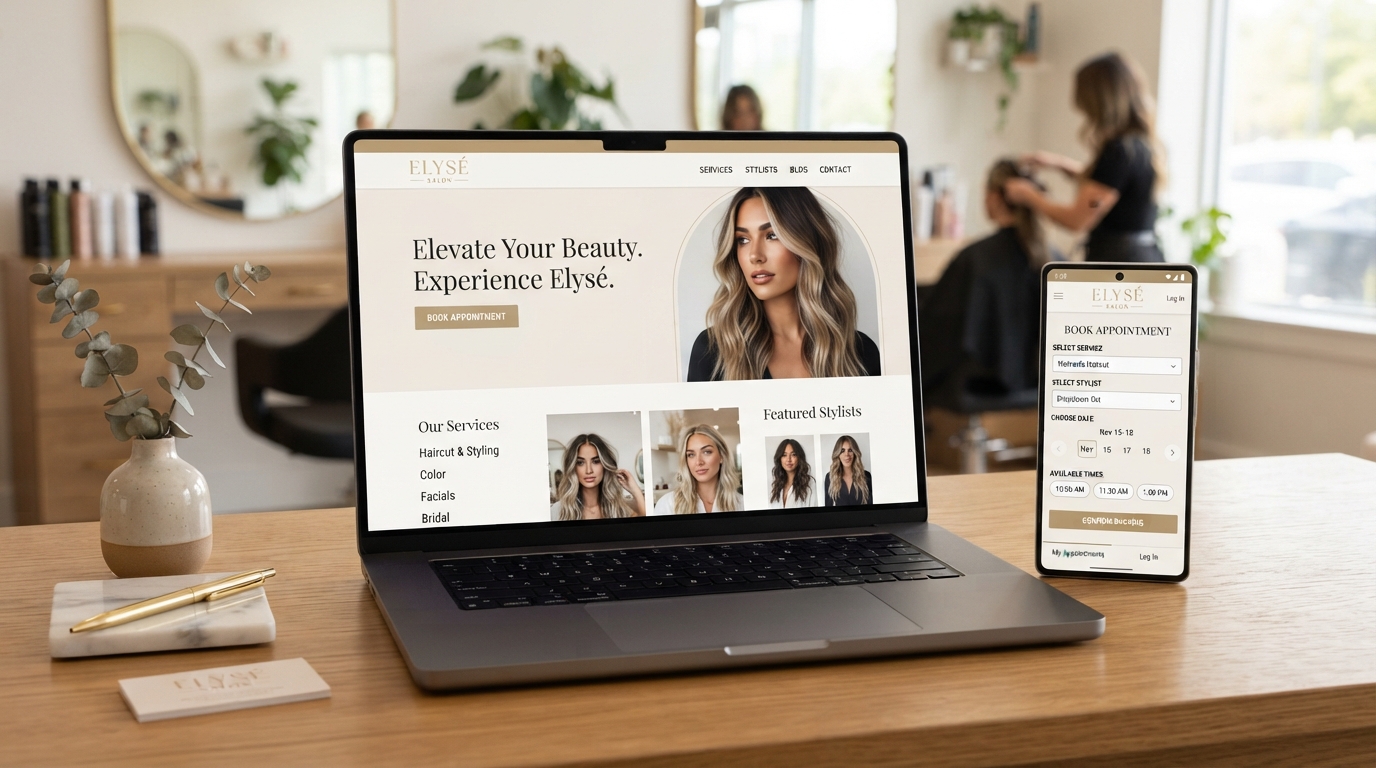
Online booking is the #1 feature a salon website needs. But not all booking systems are created equal. The wrong one frustrates clients, causes double-bookings, and doesn't integrate with the rest of your business. Here's what to look for.
1. Service Selection
Clients should be able to choose exactly what they want — haircut, color, balayage, highlights — and see how long it takes. This prevents booking errors and sets expectations.
2. Stylist Selection
Let clients choose their preferred stylist or allow "any available." Regular clients want their person; new clients just want the next available slot.
3. Automated Confirmations and Reminders
The moment a client books, they should get a confirmation text. Then a reminder 24 hours and 1 hour before. This alone can cut no-shows in half. "Hi Sarah, this is a reminder for your color appointment tomorrow at 2 PM. Reply C to confirm."
4. Deposits or Online Payments
For high-value services or busy salons, taking a deposit at booking reduces no-shows dramatically. If a client has paid $50 to hold their spot, they're not going to no-show.
5. Customer Database
Every booking should add the client to your database — with their history, preferences, and contact info. This lets you send rebooking campaigns, win-back texts, and promotions to past clients.
6. Mobile-First Experience
Most clients book on their phone. The booking flow should be 3 taps — service, time, confirm. If it requires zooming, scrolling, or creating an account, clients will abandon it.
7. Integration With Your Other Systems
Your booking system should connect to your CRM, review automation, and follow-up campaigns. When a client books, they should automatically enter your pipeline. When they complete their appointment, they should automatically get a review request. This only works if everything is connected.
Get a Booking System That Actually Works
WebWorkBay includes online booking with service selection, stylist scheduling, automated reminders, deposits, and a customer database — all connected to your CRM, reviews, and follow-up campaigns.
Want a site and automated system built for your business?
Get a high-converting website, missed-call text back, automated follow-ups, and review generation with zero setup fees.